
Education
How to track a token before buying
Sep 1, 2026 · 4 min read
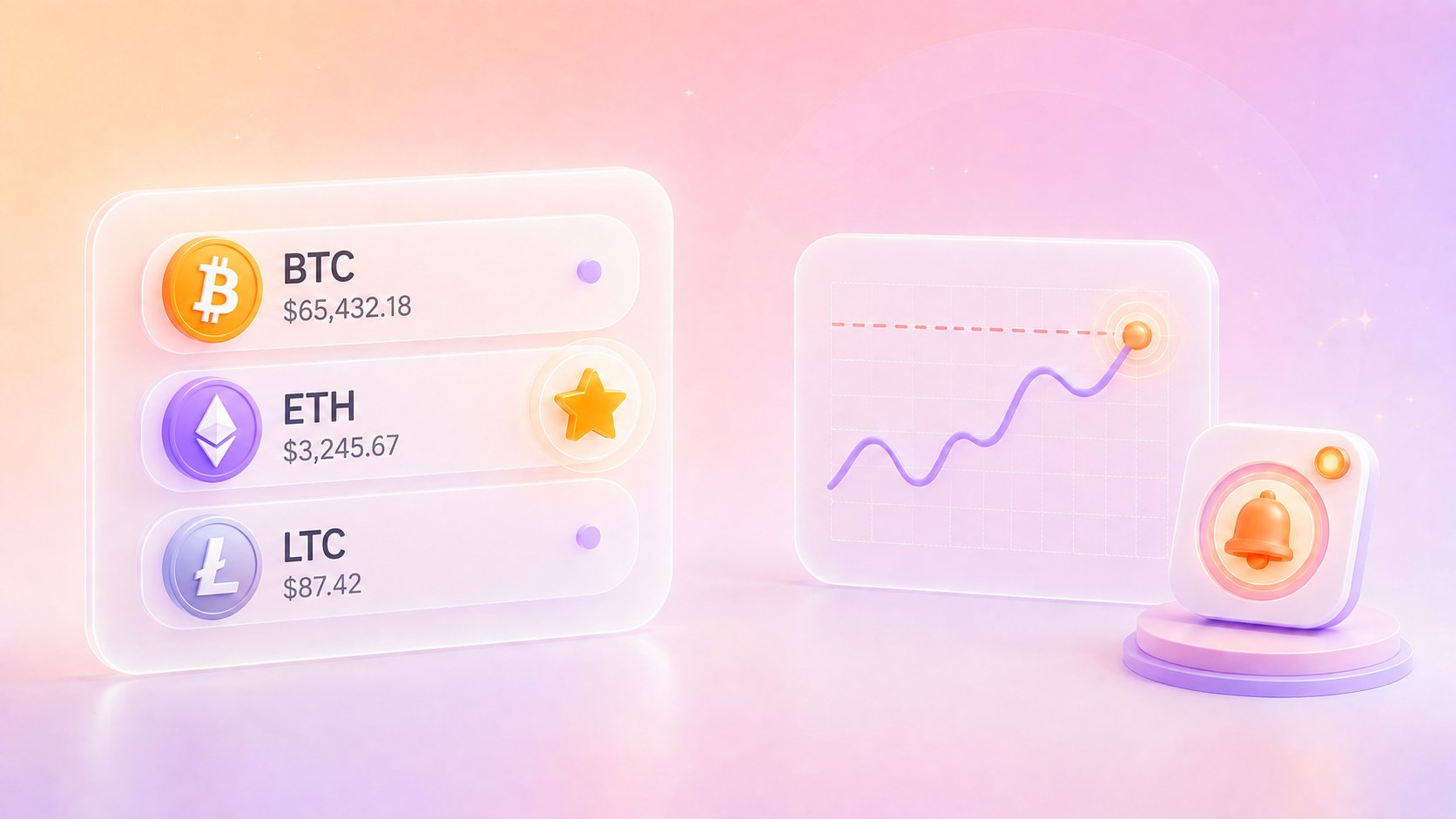
A token catches your attention. You do not know whether it is worth buying, and the price is moving while you read.
Buying now commits money before that question has an answer. Leaving the screen means finding the token again later.
A star saves it instead. The token's own page carries the chart and the market numbers. A price alert brings you back when the market reaches a level you chose.
What belongs on a crypto watchlist
In the app the star sits in one place: the header of the token's own page. Coin rows in the app do not carry it. On the web every row on the Coins page ends with Sell, Buy and the star.
Adding the star moves no money and starts no order. On the web it works before sign-in, with the selection kept in that browser.
One token may be there because of a news story. Another because its week looked unusual. A third because you almost bought it. The Watchlist keeps those unfinished questions in one place.
The Watchlist is not a separate place. On the web it is a filter on the Coins list. In the app it is the second tab in that list, and it has its own section on Home. Same rows, fewer of them.
The same price, five different views
Every token has a page of its own. In the app everything on Home leads there. The Buy screen is the exception: a row there starts a purchase.
At the top are the current price and the day's move, then a chart with five ranges: 1D, 1W, 1M, 1Y and All.
The same number looks different at each range. A move that fills the day chart can be a small step on the year chart.
Below the chart are market cap, volume, circulating supply and total supply. The page also shows supported networks, information about the token and compatible wallets.
Buying is available from the same page.
The alert is why the phone matters
The website remembers a Watchlist. Price alerts live in the Coindisco apps for iOS and Android.
Create price alert sits beside the star on the token page. An alert is a level named in advance, and the phone tells you when the market reaches it.
Some levels are a price you have in mind. Others are a size of move, ten percent away from wherever the token stands today. An alert takes either, and it can wait for a rise or a fall.
Four chips sit under the field: -20%, -10%, +10% and +20%. On a token at $100, the +10% chip sets a $110 target. Entering $110 shows +10%.
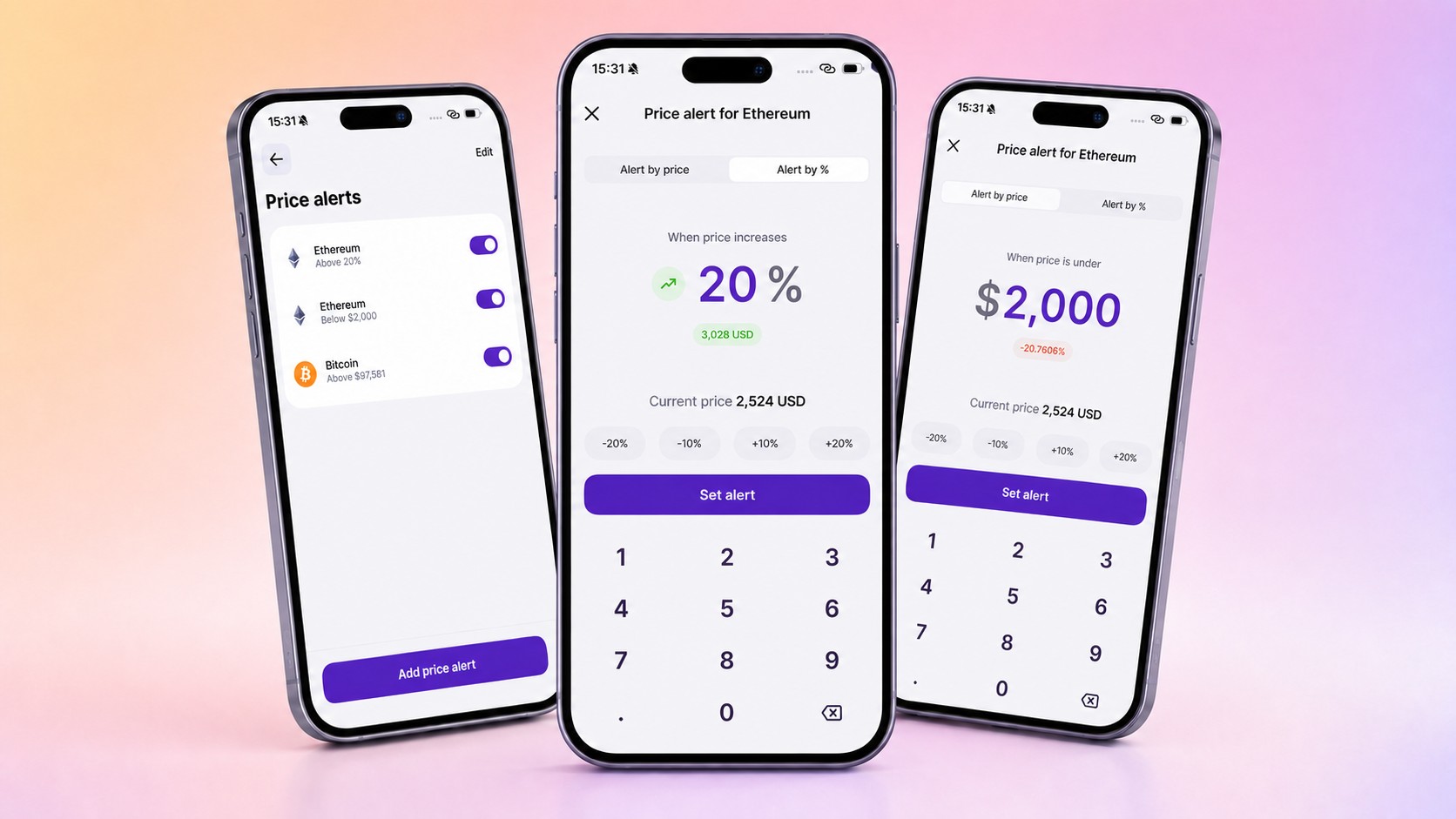
The habit it replaces is checking the price by hand. An alert can also be switched off without being deleted, for a token that has gone quiet.
When the level is reached a notification arrives, and it can arrive while the app is closed. Tapping it opens that token's page. Alerts need a signed-in account and notification permission on the phone.
The notification brings back the question
A price alert reports one fact: the level you selected has been crossed. It knows nothing about the news, your plans or what the price may do next.
A saved token is not an order, and a notification is not a recommendation from Coindisco.
If the answer does turn out to be yes, what happens after you pick an offer is the next part of the story.
Not investment advice. This article describes the Watchlist, token pages and price alerts in Coindisco. It does not recommend buying, selling or holding any cryptocurrency.
Cryptocurrency prices are volatile, and money put into them can be lost in full. A saved token records interest, and an alert records a condition you chose. Neither predicts a price nor recommends a trade.
Share this article
Start trading on Coindisco
Find the best available rate for your purchase.